
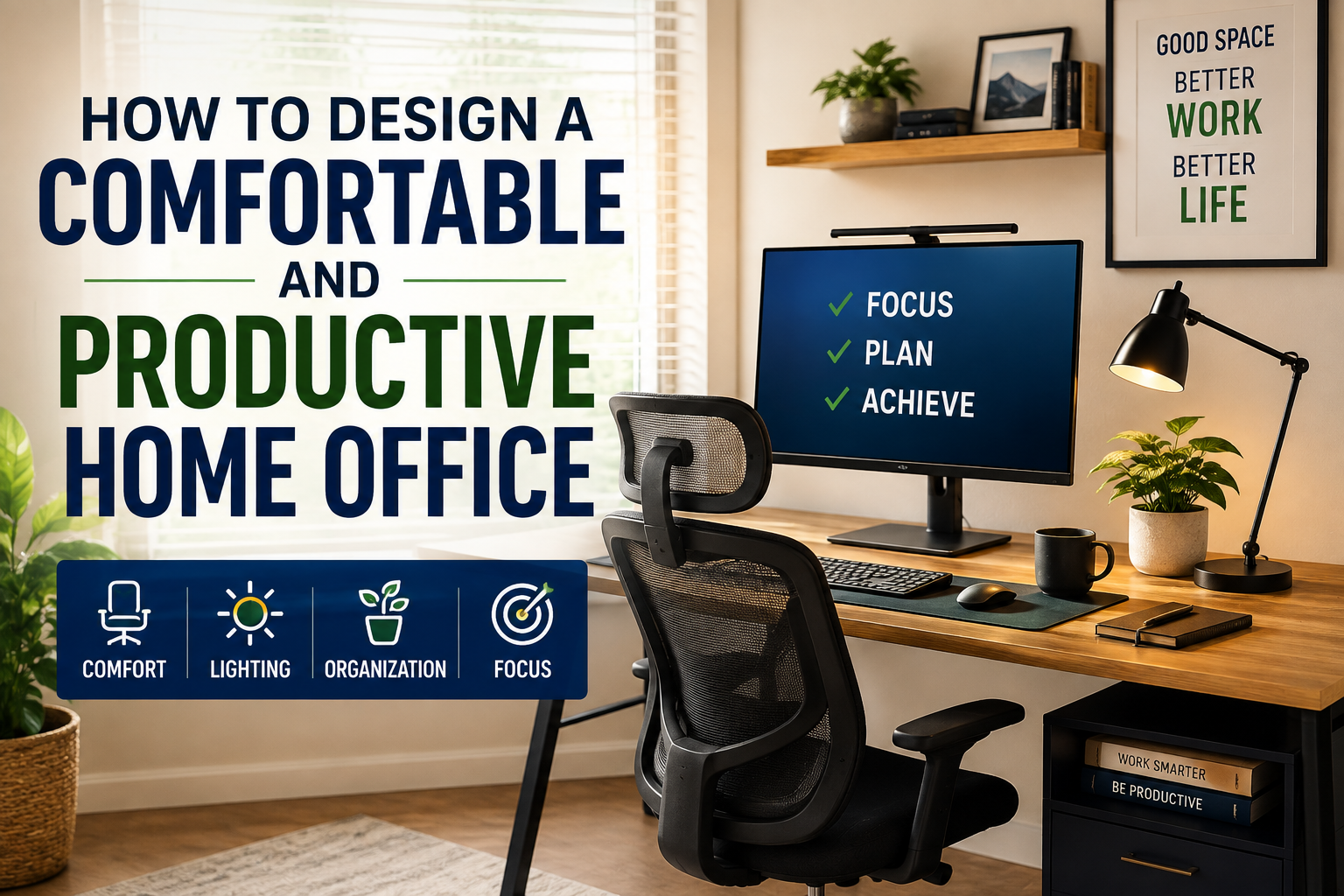
How to Design a Comfortable and Productive Home Office
Working from home can offer flexibility, convenience and fewer daily distractions from commuting. But a home office that is poorly designed can quickly create new problems: uncomfortable furniture, clutter, inadequate lighting, constant interruptions and difficulty separating work from personal life.
A productive home office does not need to be expensive or occupy an entire room. What matters most is how well the space supports the way you work.
With thoughtful choices around location, furniture, lighting, technology, organization and personal comfort, even a small corner of a home can become an effective place to concentrate and get things done.
Start by choosing the right location
The best home office location depends on your work habits and the layout of your home.
If you frequently participate in video meetings or need long periods of concentration, a separate room may be ideal. However, a dedicated office is not essential. A quiet corner of a bedroom, living room, hallway or other suitable space can work just as well when it is organized carefully.
Think about the kinds of interruptions you experience during the day.
A desk positioned next to a busy television area or kitchen may make it harder to concentrate. On the other hand, a workspace located in a quiet part of the home may make focused work considerably easier.
If you share your home with other people, establish clear signals for when you should not be interrupted. Even a simple closed door, headset or agreed-upon routine can help create a stronger boundary between work time and household activity.
Prioritize an ergonomic desk and chair
A beautiful desk cannot compensate for an uncomfortable working position.
Your chair should provide adequate support while allowing your feet to rest comfortably on the floor or on a footrest. Your knees should be positioned comfortably, and the desk should allow your shoulders and arms to remain relaxed while using the keyboard and mouse.
A height-adjustable chair can make it easier to find a comfortable working position.
Your desk also needs enough surface area for the equipment you actually use. A cramped desk can encourage poor posture and create unnecessary visual clutter.
If you use a laptop for several hours a day, consider adding an external keyboard and mouse and raising the laptop screen to a more comfortable viewing height.
Position your monitor carefully
Monitor placement can have a surprisingly large effect on comfort.
Ideally, the main screen should be positioned directly in front of you rather than significantly to one side. The top of the screen should generally be around eye level or slightly below, allowing you to look toward the screen without repeatedly bending your neck.
The viewing distance should feel comfortable without requiring you to lean forward.
If you regularly work with two monitors, arrange them according to how you use them. If one is your primary display, place it directly in front of you and position the secondary screen beside it. If both are used equally, placing them together with the center between the two screens can reduce repeated neck rotation.
Small adjustments can make a significant difference over an eight-hour workday.
Make lighting a priority
Lighting is one of the most overlooked elements of a home office.
A desk that looks attractive under decorative lighting may still be uncomfortable for reading, writing or working on a screen.
Natural light can make a workspace feel brighter and more pleasant. If possible, position your desk near a window without placing the screen directly in front of a bright window or directly beneath strong glare.
A desk lamp can provide additional illumination when natural light is insufficient.
The goal is to create balanced lighting rather than an extremely bright desk surrounded by a dark room. Excessive contrast can make the space less comfortable for prolonged computer use.
Reduce screen glare
Glare can make it harder to see a monitor and may encourage you to adopt awkward positions while trying to avoid reflections.
Look at your screen from your normal working position and identify where light is coming from. You may need to reposition the monitor, adjust blinds or curtains, change the angle of a lamp or alter the desk’s position.
Matte screens and appropriate monitor brightness can also help.
Rather than making the screen extremely bright, aim for a setting that looks comfortable relative to the surrounding room.
Keep essential items within easy reach
An efficient workspace should make frequently used items easy to access.
Think about what you actually use throughout a typical working day. Your keyboard, mouse, notebook, phone and frequently referenced documents may deserve dedicated positions.
Less frequently used items can be stored elsewhere.
This simple distinction prevents the desk from becoming a storage area for everything in the house.
A small drawer unit, shelf or cabinet can help keep supplies nearby without allowing them to occupy valuable working space.
Create a system for managing cables
Cables can quickly make even a well-designed office look chaotic.
Computer power cords, monitor cables, chargers, headphones and other accessories can become tangled beneath and around a desk.
Cable clips, sleeves, trays and simple cable-management boxes can help keep them organized.
Before buying accessories, identify which cables you actually need. Removing unused equipment is often more effective than finding increasingly elaborate ways to hide it.
Labeling cables can also save time when you need to disconnect or replace equipment.
Use storage that matches your work
The right storage system depends on whether your work is primarily digital, paper-based or a combination of both.
A digital worker may need little more than a small drawer and a place for office supplies. Someone who regularly handles documents, books or physical materials may benefit from shelving or filing storage.
Avoid filling every available shelf simply because space exists.
Storage works best when frequently used items are accessible and everything else has a designated home.
A useful rule is to keep the items you use daily closest to your desk and move occasional-use items farther away.
Keep the workspace visually calm
A productive office does not necessarily need to be minimalist, but excessive visual clutter can make it harder to focus.
Start by removing things that do not support work or provide genuine enjoyment.
A few personal objects can make the space feel welcoming. Family photographs, artwork, plants or meaningful objects can add personality without overwhelming the desk.
The objective is not to create a sterile workspace. It is to create an environment where your attention naturally returns to the task in front of you.
Add some greenery
Plants can make a home office feel more comfortable and connected to the rest of the home.
If your workspace receives enough natural light, a small indoor plant can add color and texture without taking up much room.
For darker spaces, choose plants that are appropriate for lower-light conditions or consider using artificial greenery if maintaining live plants would be difficult.
The important thing is not to turn the desk into a garden. One or two thoughtfully positioned plants may be enough.
Think carefully about sound
Noise can be one of the biggest productivity challenges in a home office.
Household conversations, traffic, construction, appliances and television can all interrupt concentration.
If possible, choose a naturally quieter location. Soft furnishings such as curtains, rugs and upholstered furniture can also reduce echoes and make a room feel acoustically calmer.
Noise-cancelling headphones may be useful for people who work in busy environments, particularly when concentration is important.
However, constant audio stimulation is not necessary for everyone. Some people work better in silence, while others prefer quiet background music or ambient sounds.
Design the environment around what helps you concentrate rather than what looks fashionable.
Make video calls look professional
Video meetings have become a normal part of working life, making the area behind your desk increasingly important.
A clean, uncluttered background can create a more professional impression. It does not need to look like a corporate conference room.
A bookshelf, simple artwork, plant or neutral wall can provide visual interest without becoming distracting.
Lighting should illuminate your face rather than placing a bright window directly behind you.
If your workspace doubles as part of a bedroom or living area, a strategically positioned screen, curtain or room divider can create a more appropriate background when necessary.
Choose technology for the work you actually do
It is easy to spend too much money equipping a home office with technology that looks impressive but rarely gets used.
Start with your actual requirements.
A writer may prioritize a comfortable keyboard, reliable computer, good lighting and a large monitor. A designer may need a high-quality display and graphics equipment. Someone who spends most of the day on video calls may benefit more from a good webcam, microphone and headphones.
Reliable internet connectivity is also essential for many remote workers.
A surge protector or suitable backup-power solution can provide additional protection for electronic equipment and help reduce disruption during power problems.
Build an organized charging station
Phones, tablets, wireless headphones and other devices can create a constant collection of chargers on the desk.
A dedicated charging area can solve much of the problem.
Use one location for charging devices and keep the cables organized. Where practical, a multi-device charging station can reduce the number of individual adapters occupying the workspace.
Keeping charging equipment in one place also makes it easier to leave the desk clear when you need to focus.
Design for movement, not just sitting
A productive office should not encourage you to remain motionless for hours.
Even with an excellent chair and desk, prolonged sitting can become uncomfortable.
Build movement into the working day by standing during phone calls, taking brief walking breaks, stretching or changing position periodically.
If your budget allows, a sit-stand desk can provide another option, but you do not need specialized equipment to introduce more movement.
A printer or frequently used supply placed a short distance away can even create natural opportunities to stand up and move.
The best home office is not one that keeps you in the chair continuously. It is one that supports productive work while allowing you to change position and take appropriate breaks.
Separate work from personal life
One of the hardest parts of working from home is knowing when the workday has ended.
If your office is also part of your living space, work can easily spill into evenings and weekends.
Creating a physical or visual boundary can help.
At the end of the workday, close the laptop, put away work materials and switch off unnecessary equipment. If possible, leave the room or area rather than continuing to check messages from the same chair.
A consistent shutdown routine can help signal that the working day is finished.
This separation is especially valuable when the home office occupies a bedroom or another space associated with relaxation.
Use color and decor strategically
The colors and materials surrounding you can influence how the room feels.
Neutral tones can create a calm backdrop, while carefully chosen colors can add energy and personality.
You do not need to follow a particular interior-design trend. Instead, consider what kind of atmosphere helps you work.
Someone who needs quiet concentration may prefer a restrained palette and minimal decoration. Someone whose work involves creativity may appreciate more color, artwork and visual inspiration.
The best office reflects the person using it.
Keep temperature and ventilation comfortable
A workspace can be perfectly organized and still be unpleasant if it is too hot, cold or stuffy.
Good ventilation and a comfortable temperature can help you stay focused.
If your office has a window, use it when weather and outdoor conditions permit. Otherwise, make sure the room’s ventilation or cooling system provides enough fresh, comfortable air.
Avoid placing your desk directly beside a strong heat source or air-conditioning outlet if the airflow makes it uncomfortable to work.
Small environmental adjustments can prevent discomfort from becoming a constant distraction.
Make accessibility part of the design
A home office should work for the person using it.
If you have mobility limitations, visual requirements or other accessibility needs, furniture and equipment should be selected accordingly.
Adjustable desks, appropriate chair heights, monitor stands, ergonomic keyboards and other tools can be configured to accommodate different needs.
Accessibility should not be treated as an afterthought. A workspace that allows you to work comfortably and independently is inherently more productive.
Avoid designing the office around appearances alone
Social media has made highly styled home offices popular, but an attractive photograph does not necessarily represent a functional workspace.
A desk can look perfect while being uncomfortable to sit at. Decorative lighting can look impressive while providing poor illumination. Minimalist desks can hide the fact that essential equipment has nowhere to go.
Start with function.
Once the basics work—comfortable seating, suitable lighting, appropriate technology, good organization and manageable noise—you can add decorative elements that make the space feel personal.
A productive office should serve its user, not simply look good in a photograph.
Refresh the workspace as your needs change
Your home office does not have to remain exactly the same forever.
Work responsibilities change. Technology changes. The amount of time you spend at the desk may increase or decrease.
Every few months, take a fresh look at the workspace.
Ask whether your chair is still comfortable, whether the monitor is positioned correctly, whether unused equipment is taking up space and whether frequently used items are easy to access.
Small changes can keep the office functional without requiring a complete redesign.
Turn your home office into a place that supports you
A comfortable and productive home office is ultimately less about expensive furniture and more about thoughtful design.
Choose a location that supports concentration, create an ergonomic working position, provide good lighting, control noise and clutter, organize technology and storage, and make room for movement throughout the day.
Most importantly, design the office around how you actually work.
The ideal home workspace may be a dedicated room with professional equipment, or it may be a compact desk tucked into a quiet corner. When the space makes it easier to concentrate, stay comfortable, organize your responsibilities and switch off when the workday ends, it is doing its job.





2 Comments
Micle harison
June 7, 2019Lorem ipsum dolor sit amet, usu ut perfecto postulant deterruisset, libris causae volutpat at est, ius id modus laoreet urbanitas. Mel ei delenit dolores.
John Doe
June 7, 2019Some consultants are employed indirectly by the client via a consultancy staffing company.